Insights panel
The Artworks page now has a dedicated Insights side panel that turns your inventory into at-a-glance statistics. The panel reads your active filters, so the numbers always reflect the slice of the collection you are looking at rather than the full inventory. The panel shows a count of total artworks and artists, purchase value with multi-currency conversion and a converted grand total, and a top artists list showing the five most-represented artists by default. Clicking “More” reveals the next five. There is also an acquisitions breakdown with a year and type toggle and a bar-chart layout, and a Documents section showing how many works have certificates and invoices attached. Clicking the “N missing” link filters the artwork list to exactly those works, so you can work through any gaps without hunting manually.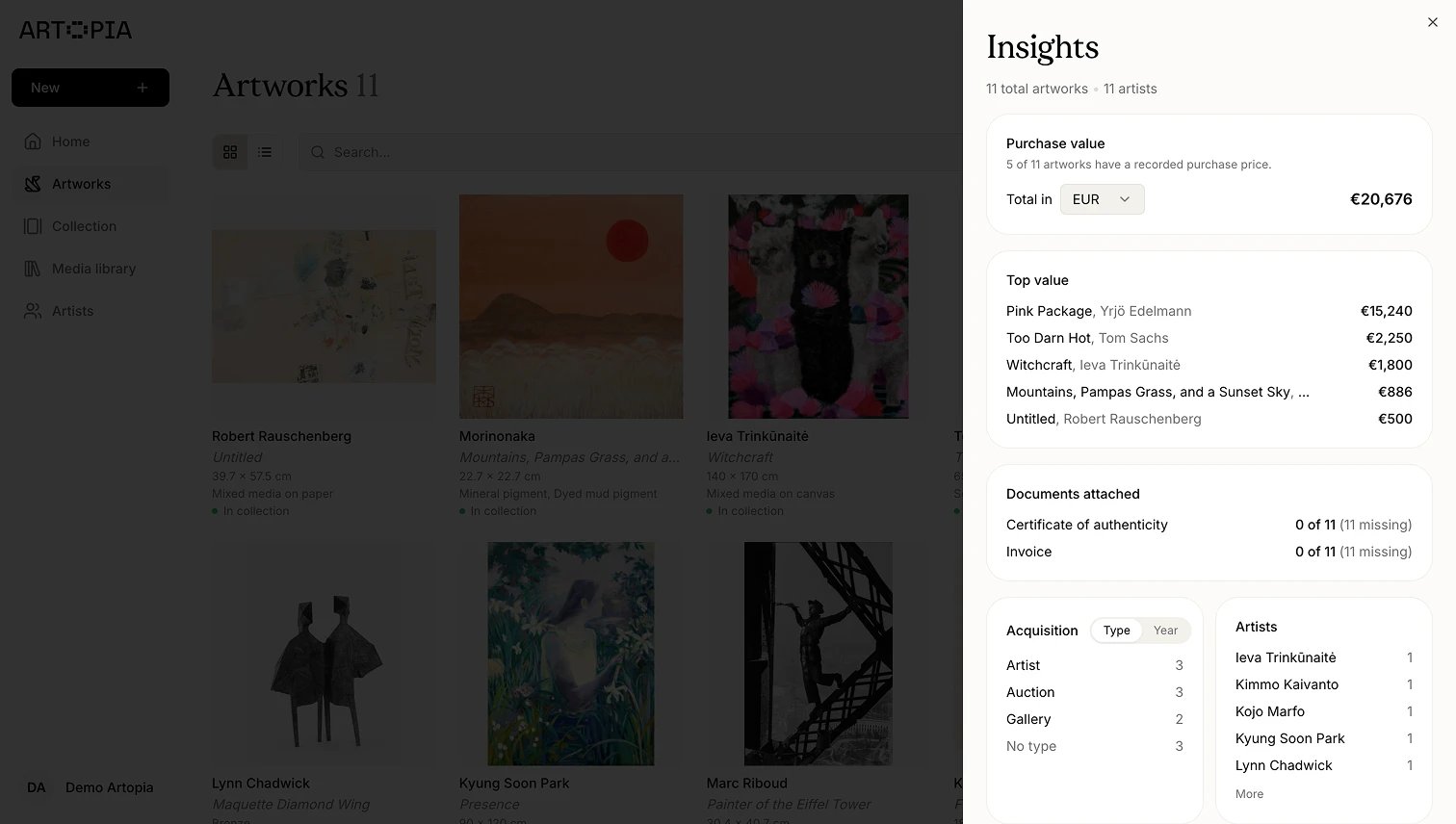
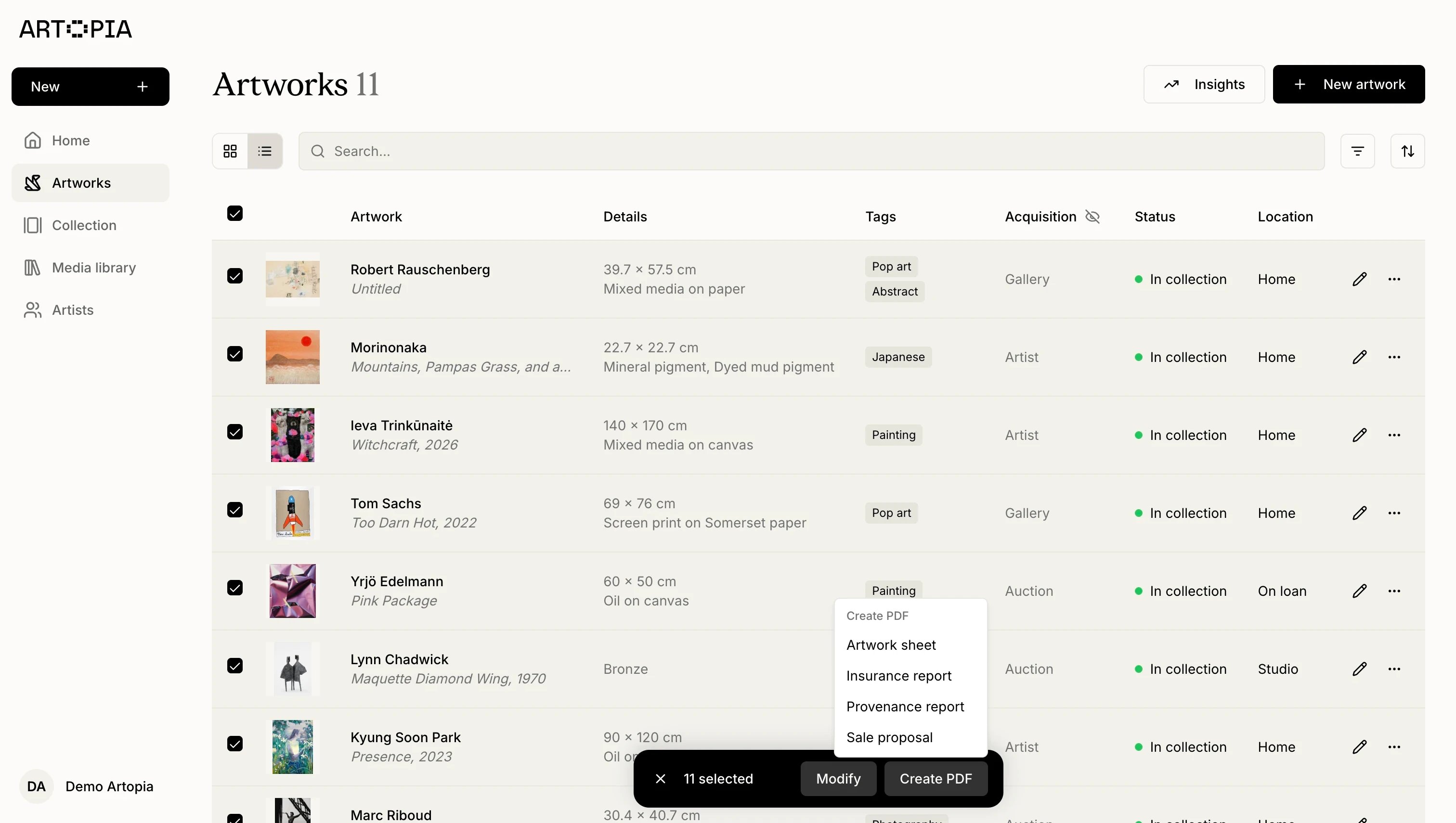
Bulk PDF export
You can now generate PDFs for multiple artworks at once from the selection bar. Select any number of works, open the new Create PDF action, choose a preset (Artwork sheet, Insurance, and others), and configure fields and image size in the settings dialog. You can export as separate PDFs per artwork or combine them into a single document. The export pipeline is faster, and the dialog auto-skips the settings step when only one artwork is selected. The selection bar’s “Actions” menu has also been renamed to Modify for clarity.