Inventory numbers for your artworks
You can now assign a structured inventory number to each artwork, such as PTG-001 for your first painting or 2026-014 for a work acquired this year.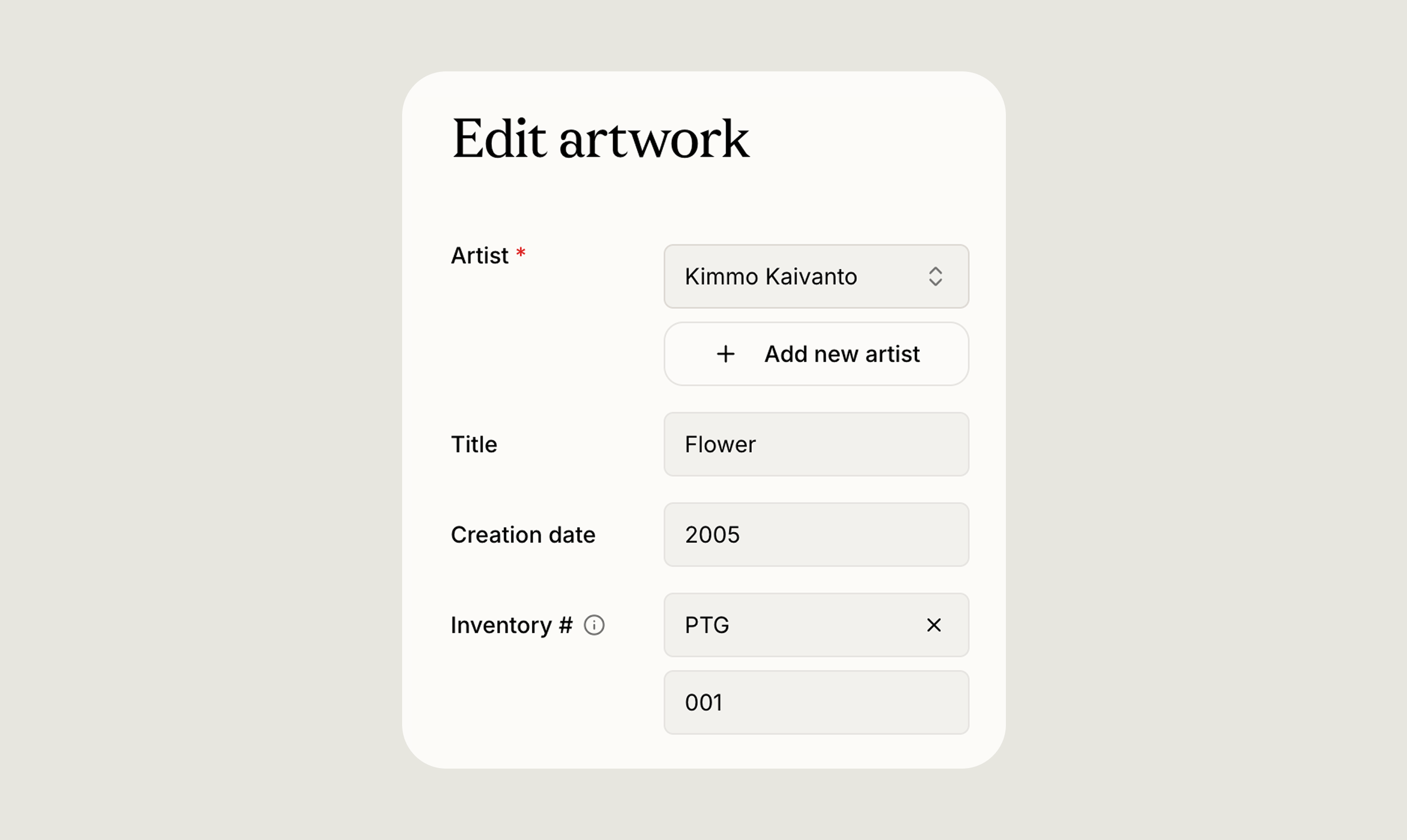
Custom artwork statuses
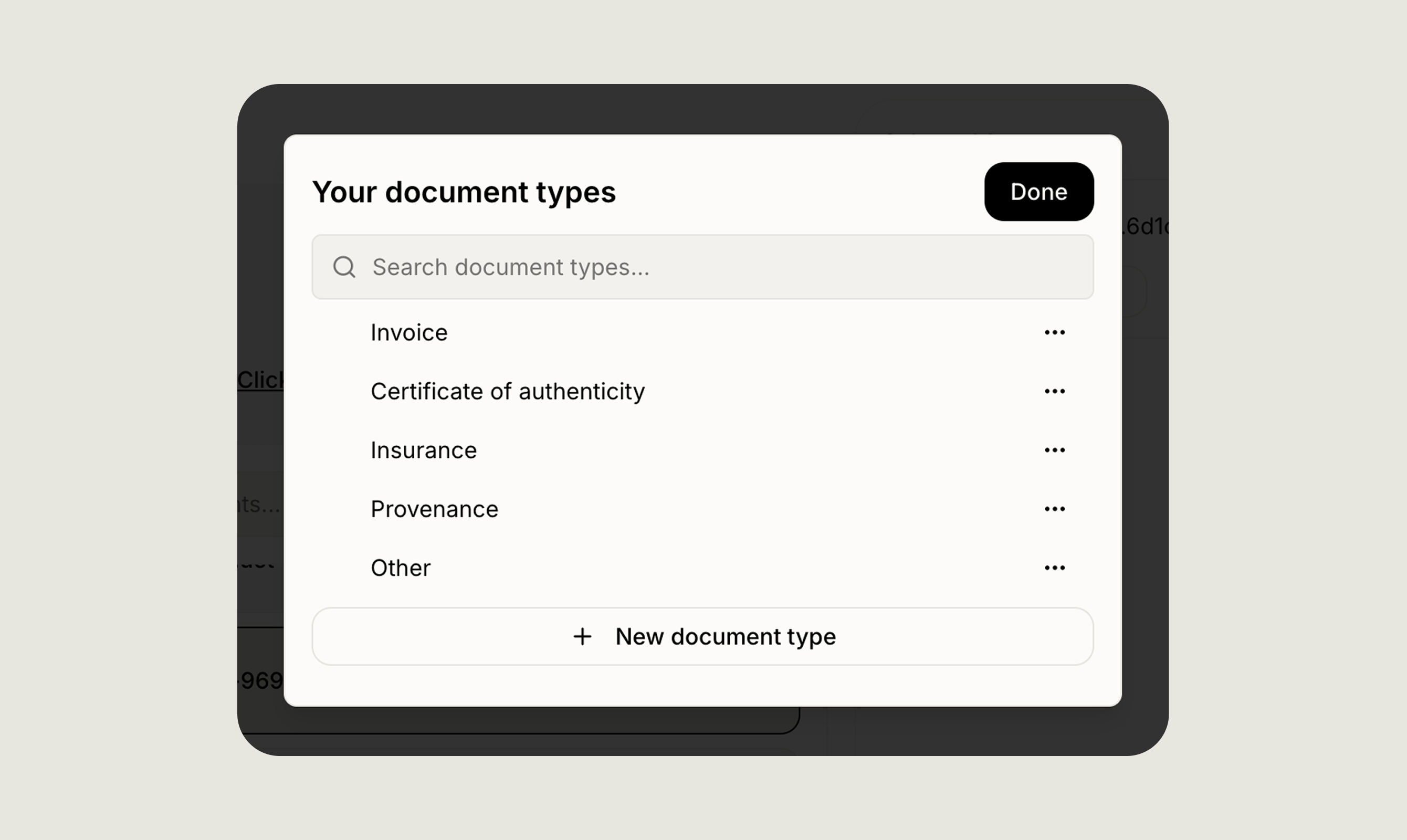
Every collection tracks the state of its works differently. You can now create your own artwork statuses, name them as you like, give each a colour, and reorder them to match the way you work. Once they are set up, you can filter the collection by status to pull up everything at a particular stage in one view. This replaces a fixed set of options with something that reflects your own process, whether that means tracking works that are on loan, promised, in conservation, or any other state that matters to you.Custom document types
A clearer artwork record
The artwork detail view had a few meaningful improvements this month. Provenance now has its own dedicated section, giving the chain of ownership the space it deserves rather than sitting among other fields. Additional details are now grouped into a single, customisable system: you can create your own categories, and each entry can hold a description, notes, links, images, and documents. Notes are also easier to add, edit, review, and remove, with cleaner formatting and spacing throughout. Taken together, these changes make the detail view a calmer, more organised place to keep everything you know about a work.Improved artist pages
Artist pages now support more advanced searching, sorting, and filtering, so you can narrow the works under an artist by status, location, series, size, tags, acquisition date, and inventory number, among others. Browsing an artist’s works on your phone is smoother too, with cleaner image display.New Learn and Support portal