Artwork groups and private viewing rooms
You can now bring a selection of artworks together into a group for a specific purpose, an upcoming exhibition, a proposed sale, a client presentation, or a viewing appointment. Add works from your collection, arrange them in the order you want, and update the selection whenever it changes.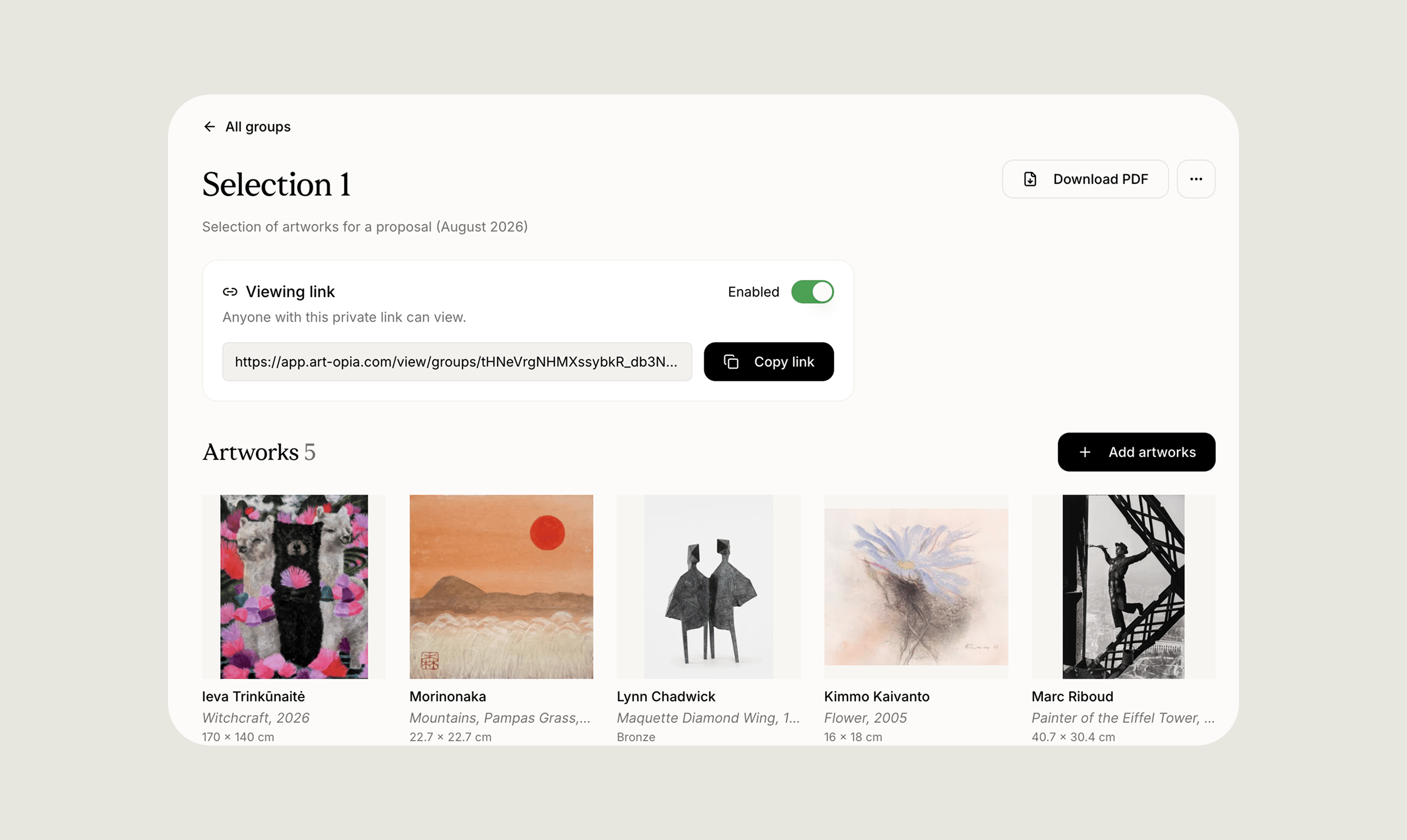
Read-only collection sharing
You can now invite someone to view a collection without giving them the ability to make changes to it. An invited viewer can browse the artworks, open individual records, and move between list, grid, and detail views, but they cannot create, edit, delete, reorder, or change the status of anything.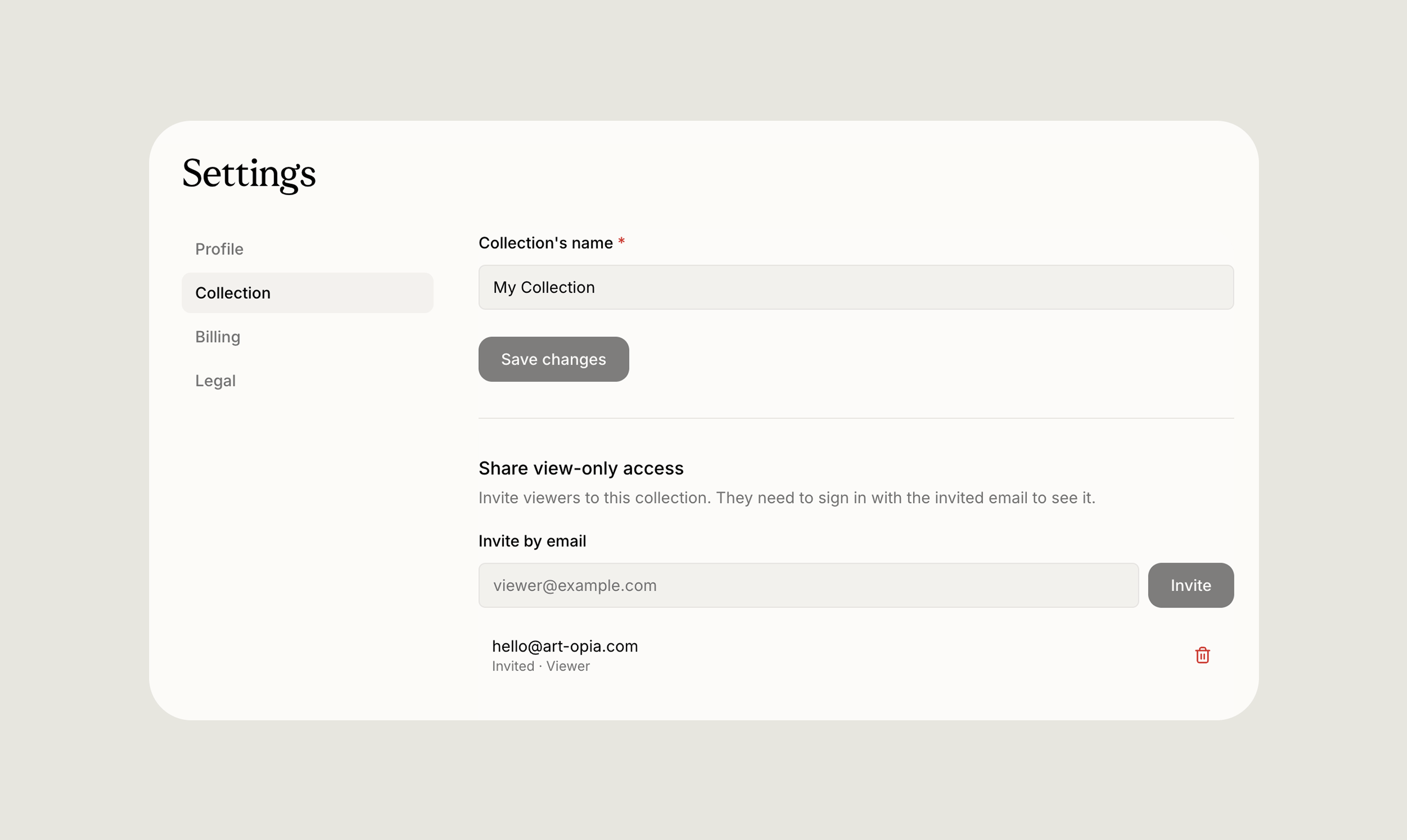
Video artwork support
Artworks can now include video alongside images and documents. Artopia supports the common formats you are likely to already have, including MP4, MOV, M4V, WebM, OGV, and OGG. A video can be attached to an artwork wherever the rest of its media lives, and it appears throughout the collection: on the artwork’s detail page, in the Media library, in artwork groups and viewing rooms, on your public collection, and anywhere else you browse or select artworks. When scanning through a grid or a group, a video shows as a still poster image so browsing stays quick and visual. Opening the artwork’s detail page brings up the full video player. This makes it possible to document moving image work, installations, performance pieces, and other time-based media in the same place as everything else in your collection, rather than keeping it separately.A clearer acquisition cost breakdown
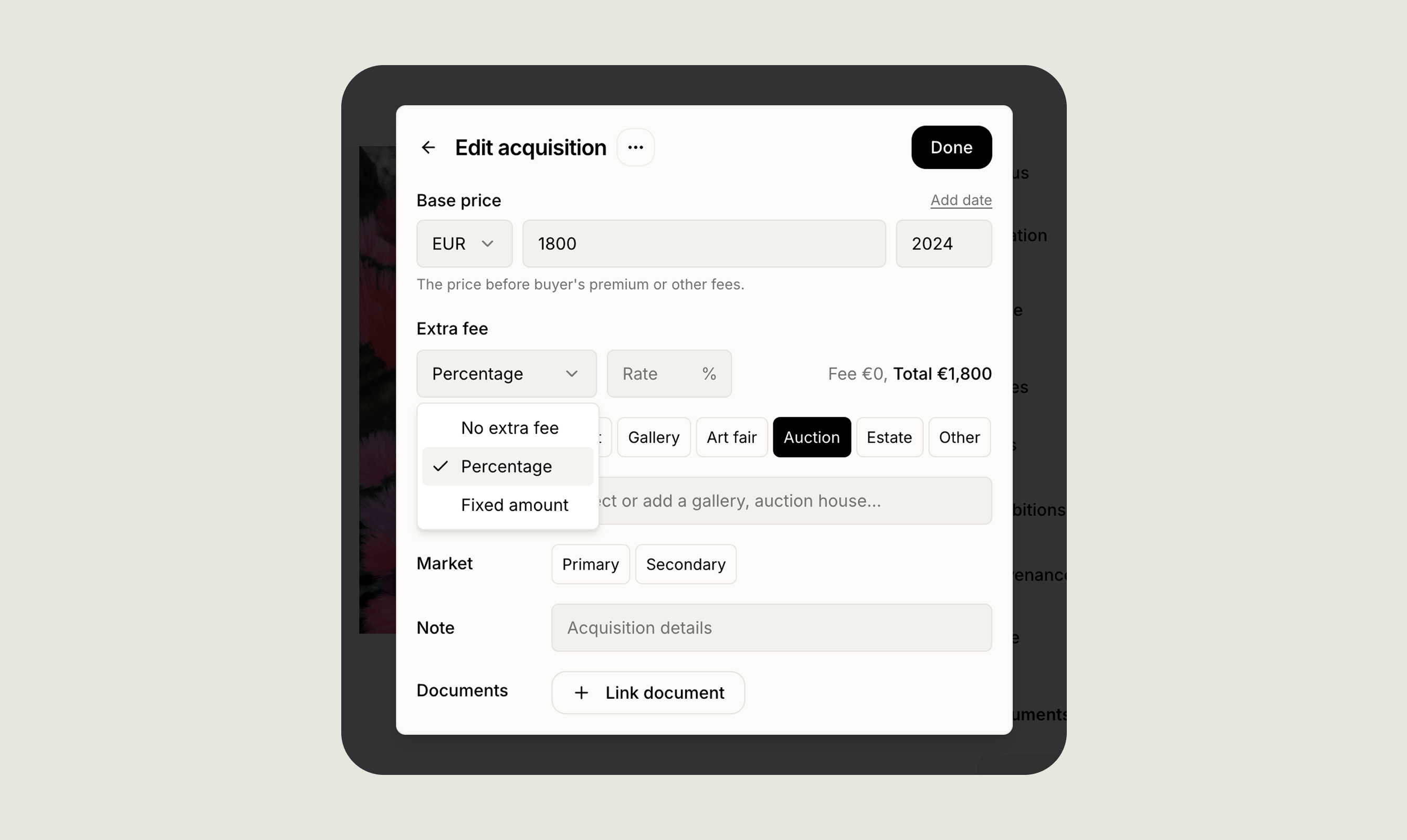
Recording how a work was acquired is now more complete. Instead of a single purchase amount, you can break an acquisition down into its actual components: a base price, any percentage-based or fixed fees, and the calculated total cost.