Transferring artworks
Now you can send artworks to other collectors.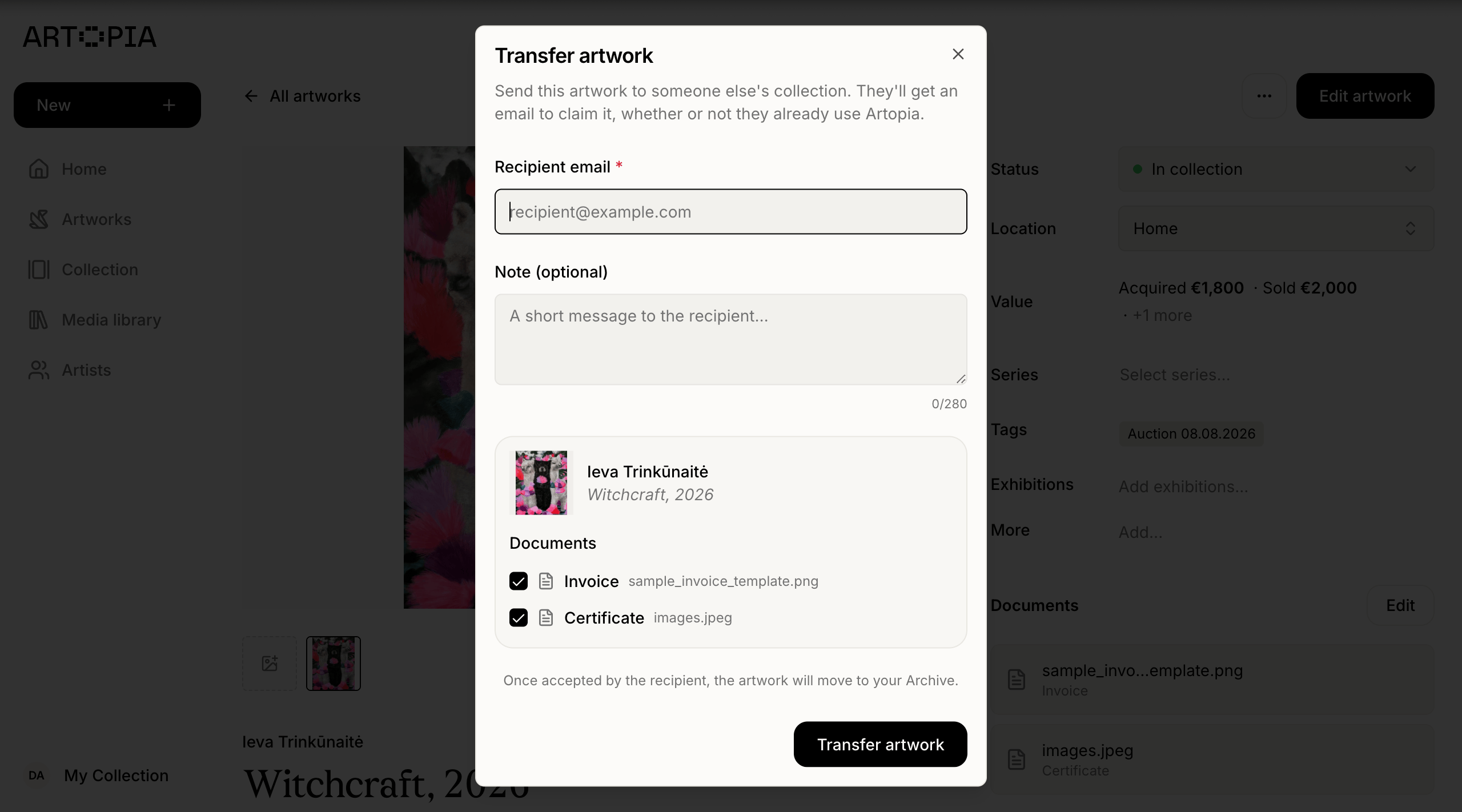
Manage several collections
Now you can create multiple collections from one account. If you keep separate bodies of work, perhaps a personal collection alongside a family one, or a few distinct groups you like to track on their own, you can now manage all of them from a single Artopia account and switch between them with one click from the sidebar. Each collection has its own artworks, artists, and public page, with its own name, public URL, and PDF header set independently in that collection’s settings. Switching between collections updates everything you see, from the artworks grid to your public page, so you are always working inside the right one. This is useful for anyone managing more than one distinct group of works, including galleries, artists with several bodies of work, and advisors handling collections on behalf of more than one client, without needing a separate login for each.Artwork details on your public collection
Visitors to your public collection used to browse only the grid. Now, clicking into a piece opens a dedicated detail page for that artwork, with its own clearer header showing which collection you are browsing, and a tidier layout overall, with the title and year on one line and unnecessary labels removed. Page loading across the collection is also faster in general, so moving between the grid and an artwork feels instant, with your scroll position kept exactly where you left it. Visitors can now also get in touch with you directly from your public collection through a one-click contact option, with a notification sent to your email. This is only available when a collection is public, so it will not appear on collections you have kept private. For galleries, advisors, or fellow collectors browsing what you have on view, a clearer way to focus on one piece, and a direct way to reach you about it, means a genuine interest in a work is far less likely to stall out before it reaches you.Custom locations
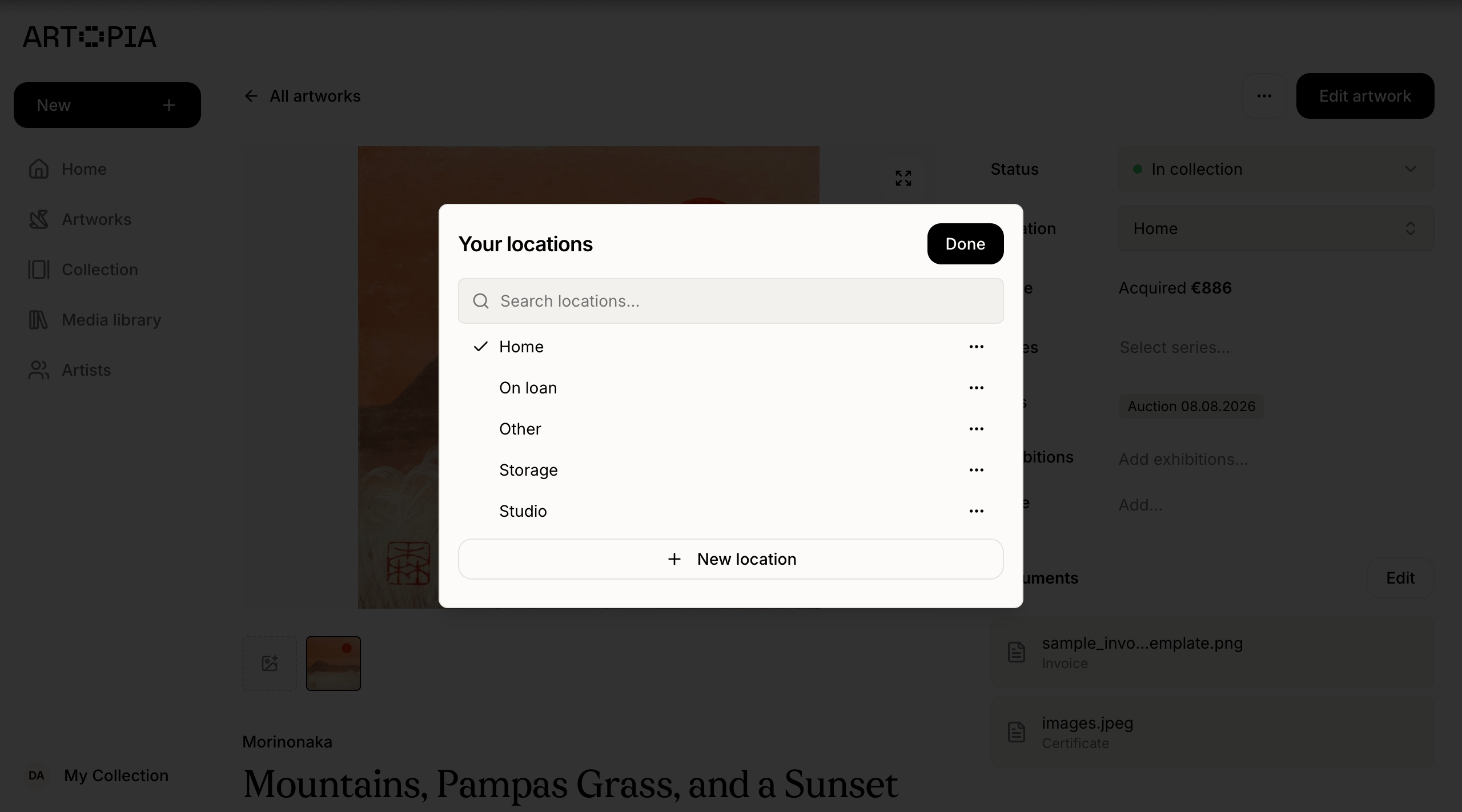
You can now create your own locations for where artworks live, alongside the built-in options of Home, Studio, Storage, On loan, and Other. The built-in locations are editable too.