
Uploading images
- From device
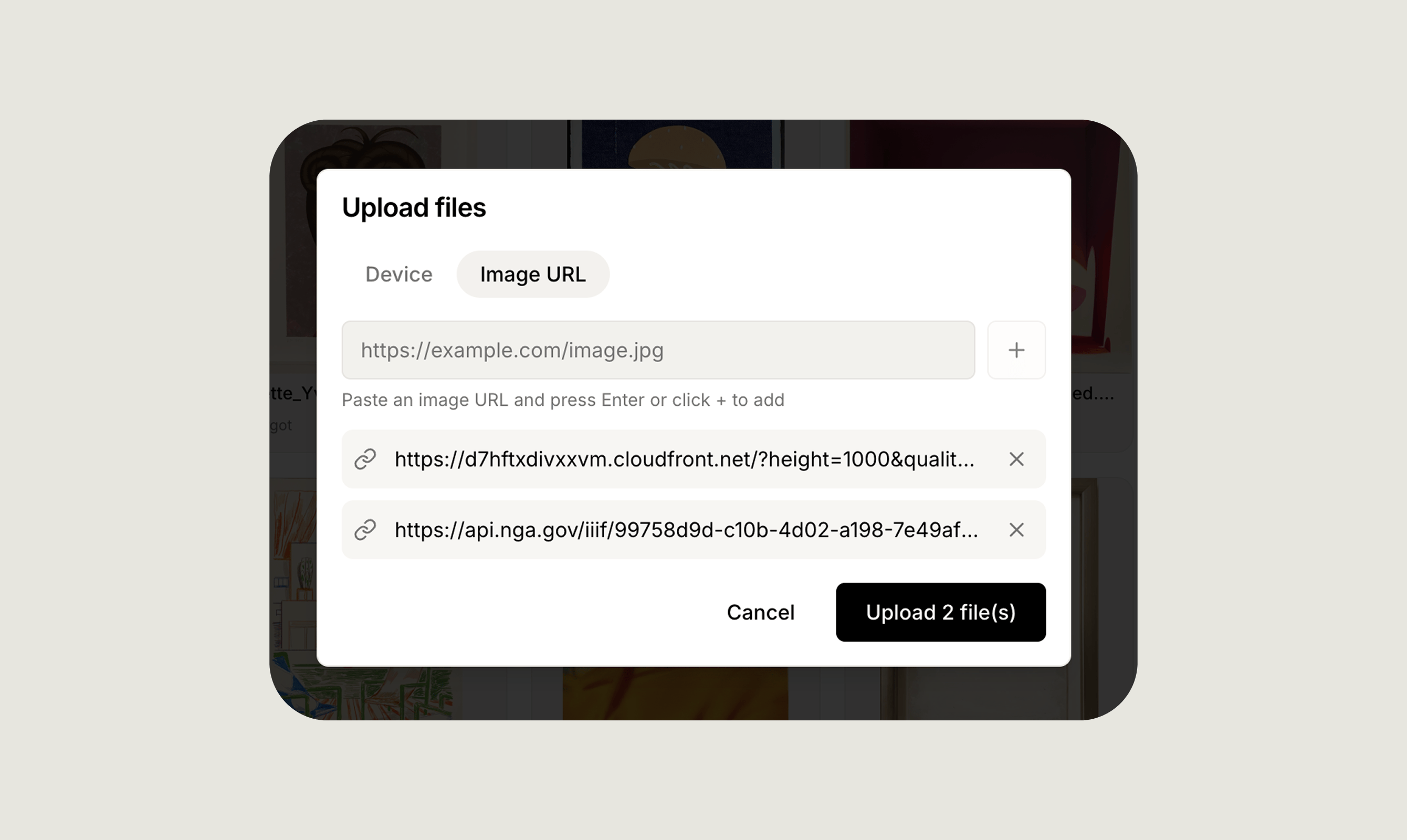
- From image URL
Click the image upload area on the artwork record, or drag and drop one or multiple files directly onto it. You can upload several images at once to save time.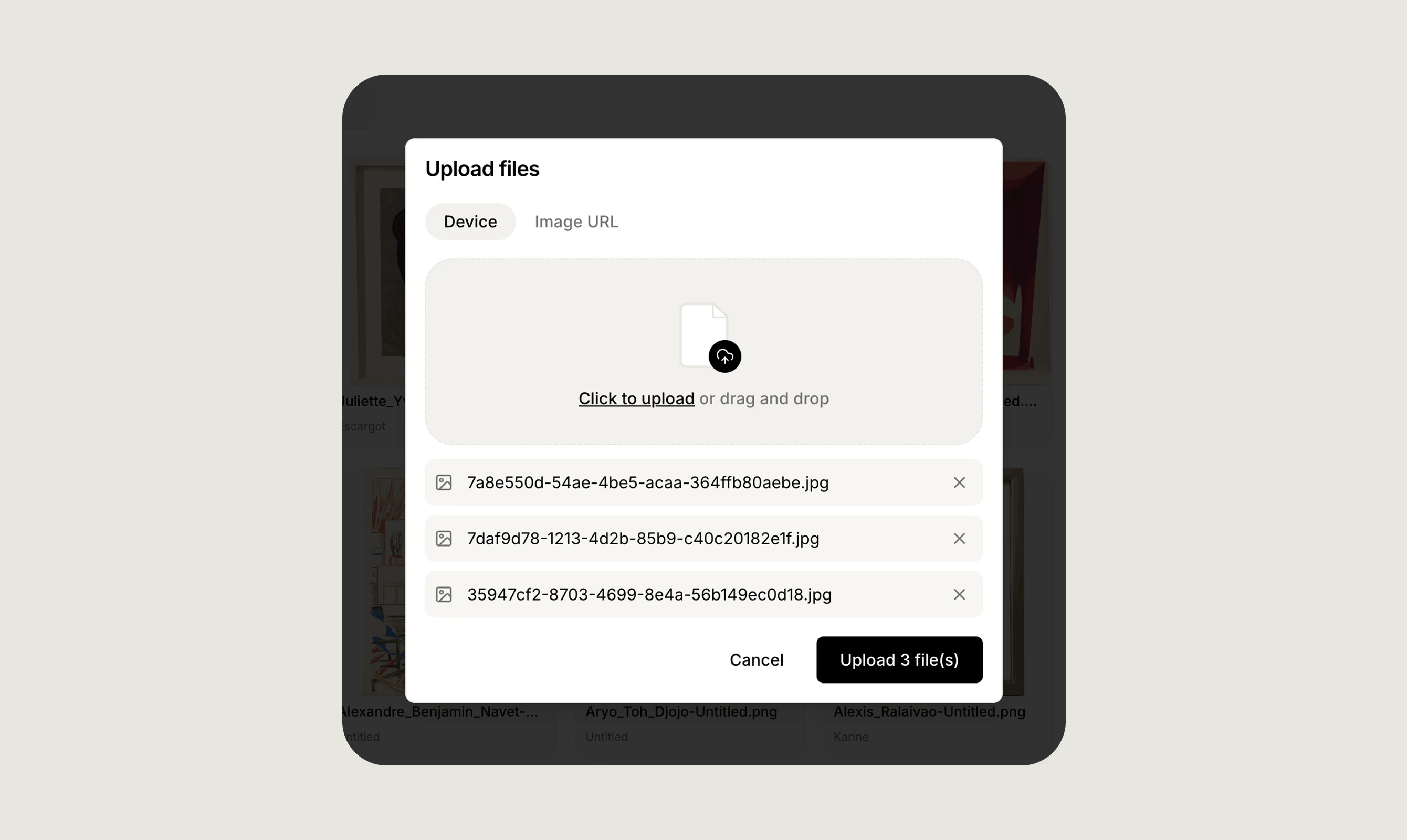
Primary image
The first image you upload is automatically marked as Primary and used as the artwork thumbnail throughout Artopia. The Primary image is shown in list views, reports, and anywhere the artwork is displayed. You can change which image is Primary at any time by selecting a different image on the record.Media library
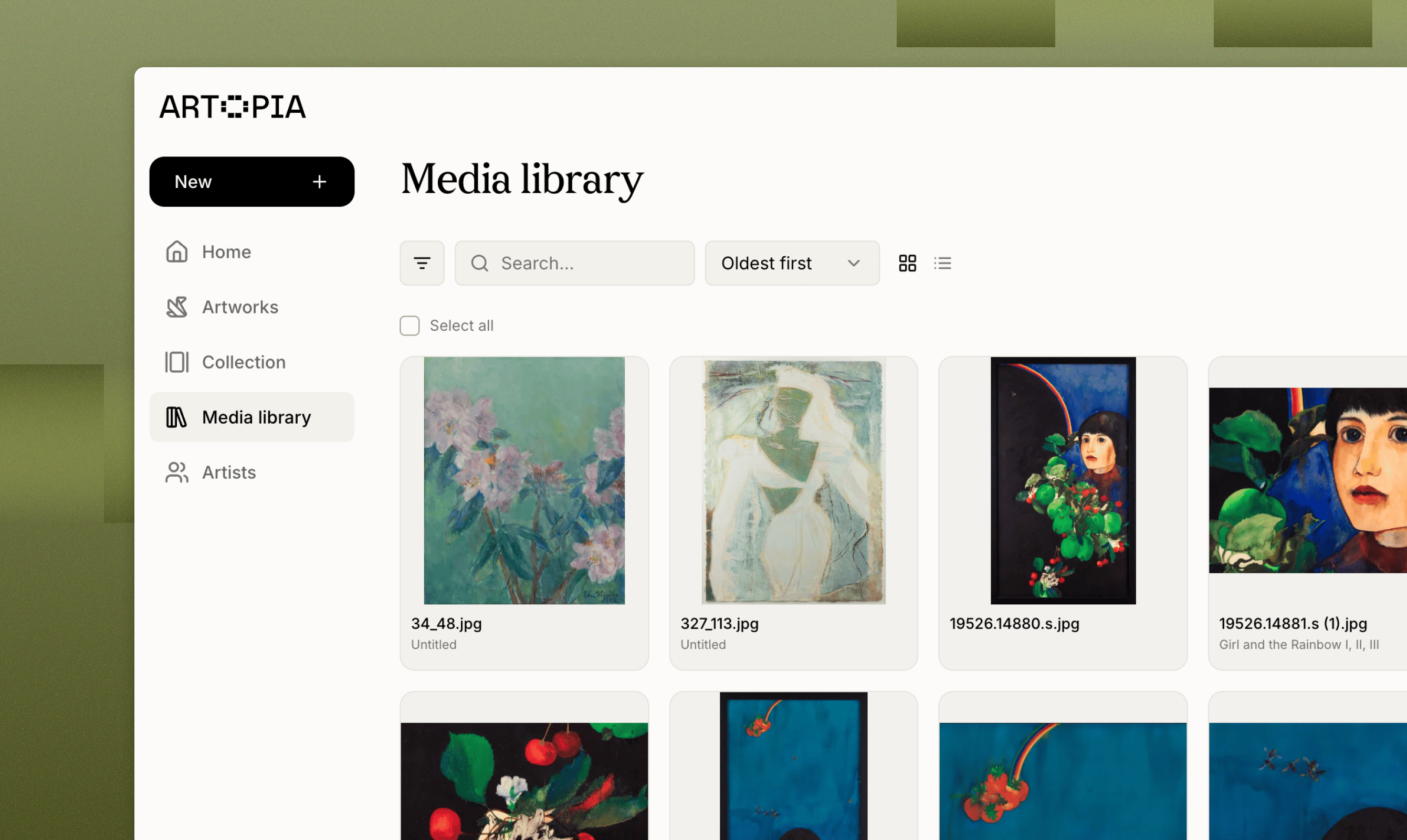
All uploaded images are accessible from the Media library, giving you a central place to manage every file in your account. From the library you can:- Browse all images across your collection.
- Search by title or filename to find a specific file quickly.
- See which artwork each file is linked to.
- Click any file to view its dimensions, file size, type, and upload date.
- Upload images in bulk directly from the library, without opening individual artwork records.
Downloading images
You can download any image at any time from the Media library. Select the file you want and use the download option to save it to your device.For full details on organising and managing all your files, see the Media Library guide.