October was about making the everyday parts of Artopia feel smoother. We made long names easier to read, improved how the Media library remembers your place, and made it quicker to find an artwork’s images and videos. Here is what changed. October Product Roundup

Long artwork titles and artist names

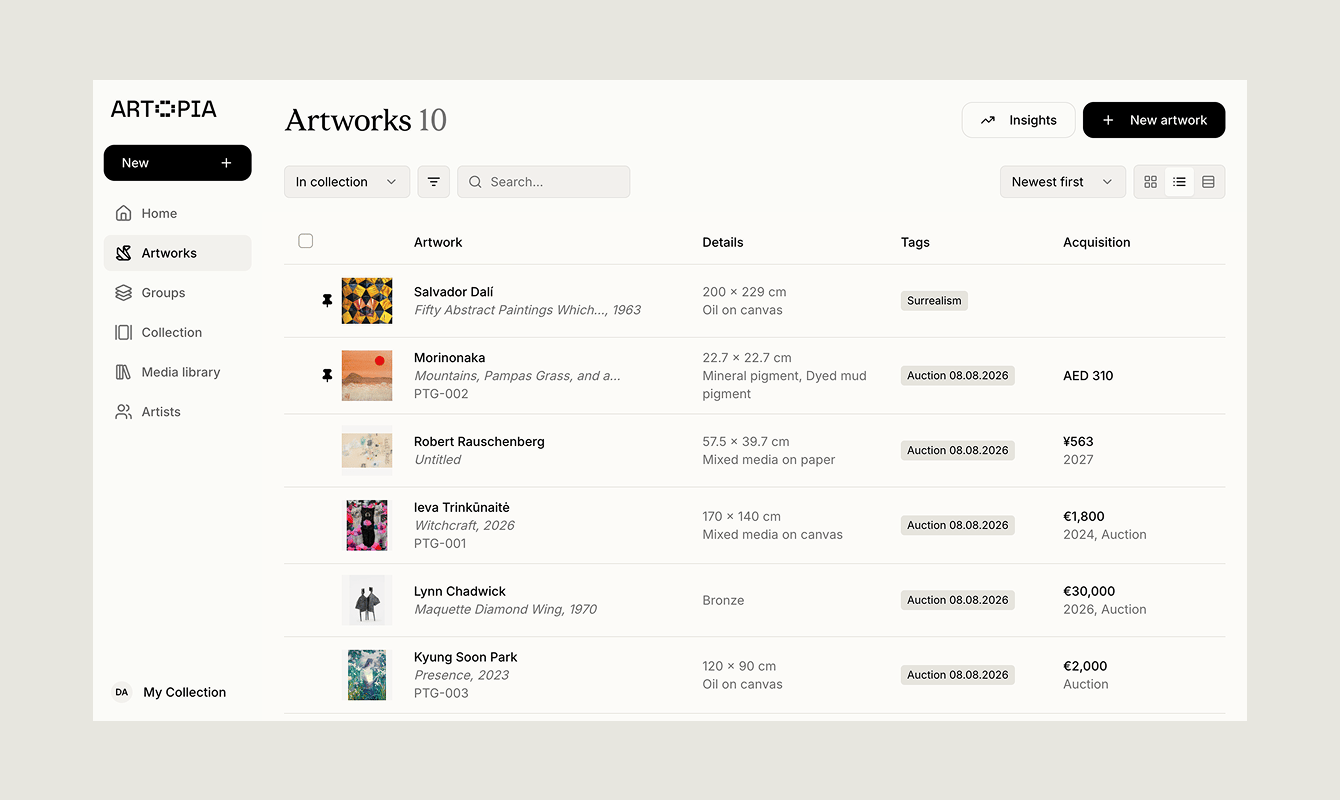
Artwork titles, artist names, inventory numbers, and filter labels now fit more neatly across Artopia. Long Title Correct You should see fewer cut-off names and less awkward wrapping when viewing artwork cards, editing records, opening dialogs, or filtering your collection. This makes it easier to review your artwork records, especially when they include long names or detailed inventory numbers.
Media Library browsing

Opening or closing a file’s details no longer sends you somewhere else in the Media library. You can open a file, review its information, close it, and carry on browsing from the same place. This is especially useful when working through a large group of images and documents.

Find artwork images and videos

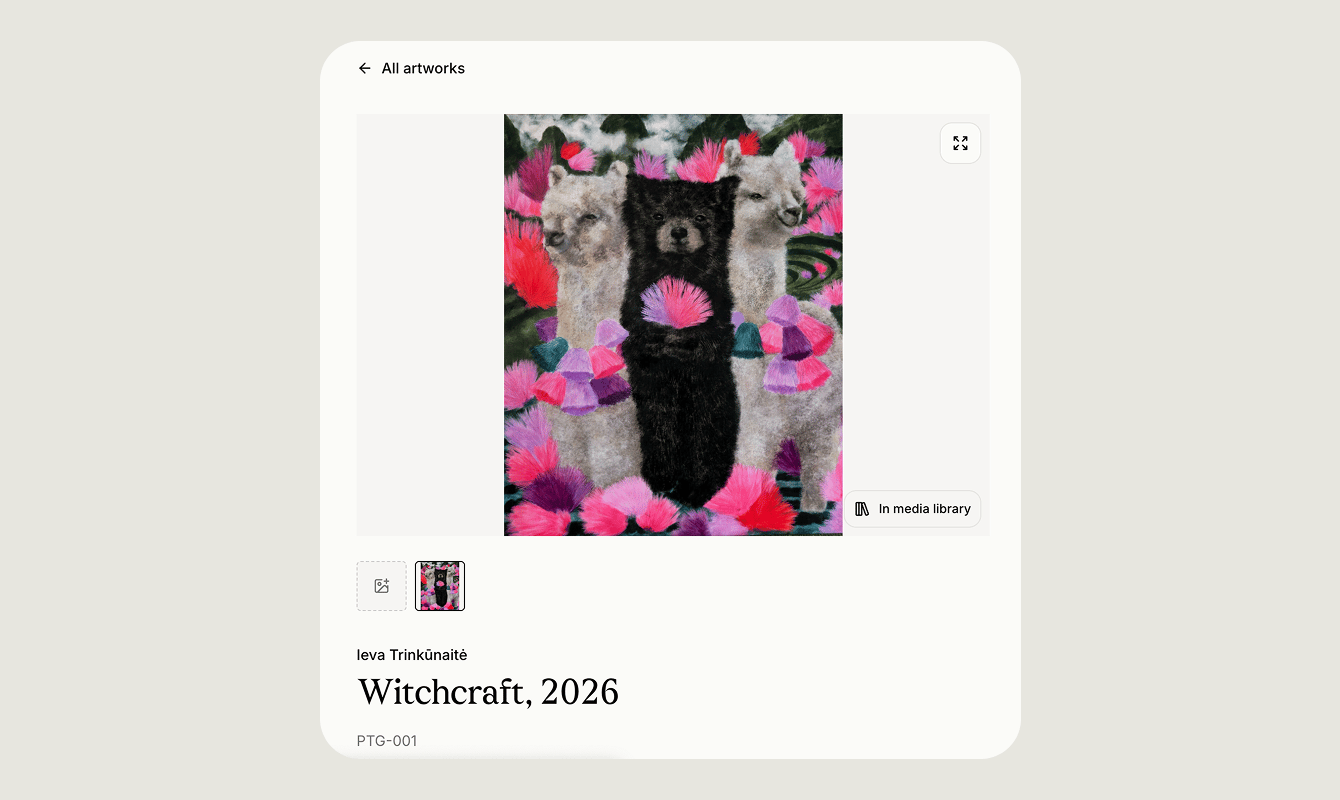
Artwork records now include an In media library button on the main artwork image or video. Media Button 3 Correct The file opens with its details ready to view, so you do not have to search through the library to find the image or video attached to an artwork. You can learn more about managing artwork images in Artopia.
What is next

These changes are small, but they make Artopia more comfortable to use every day. We will continue improving the core collection management experience while working on larger updates. You can also read the September 2026 product roundup to see what was added last month. If you have feedback on any of these improvements, reach us at hello@art-opia.com. Artopia is art collection management software for private collectors, art advisors, galleries, and artists. It helps you catalogue artworks, manage documentation, track values and provenance, and share your collection in one place. Start your art collection.