
Series
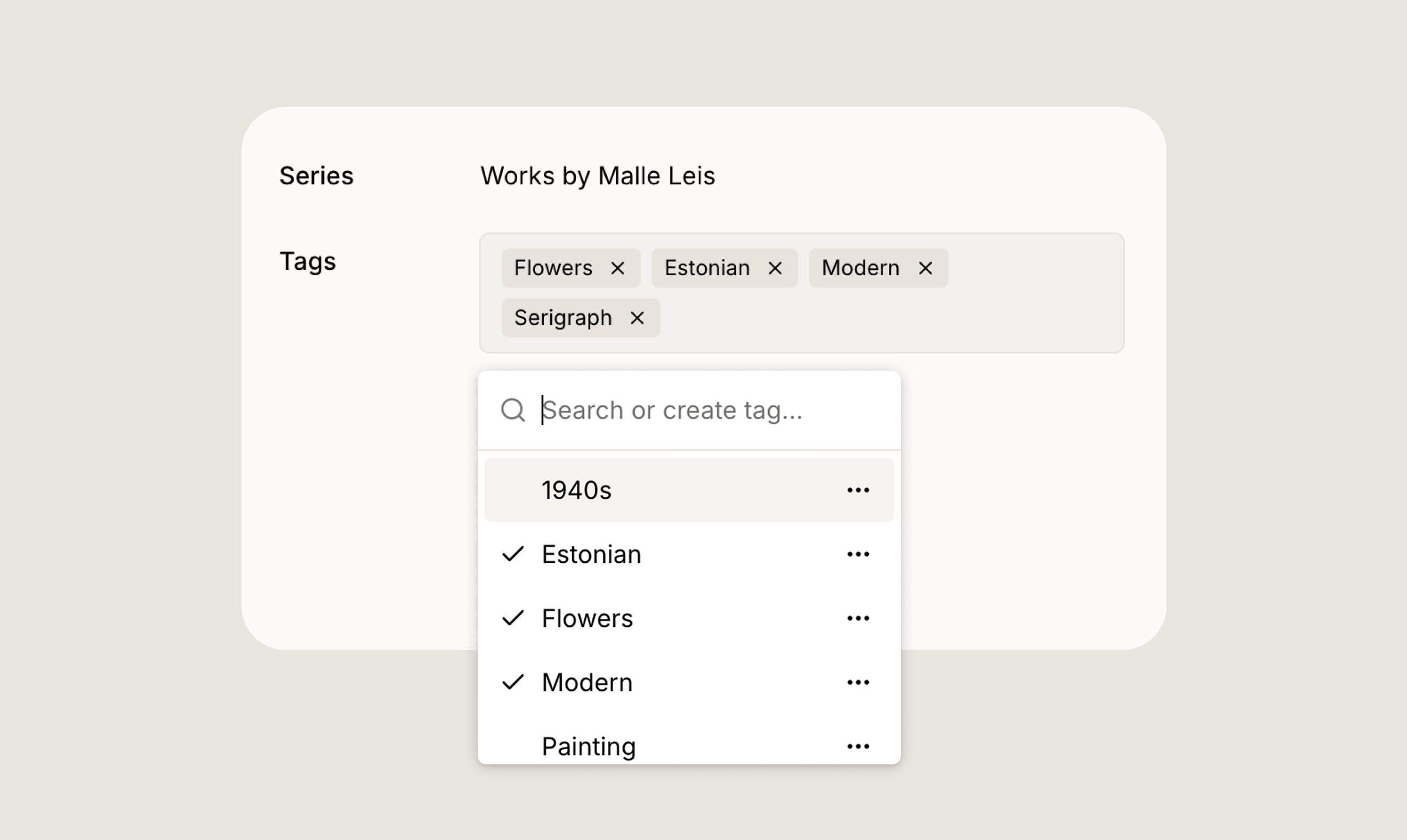
A series groups related artworks together, for example, works that belong to the same conceptual body of work or a curated selection you want to keep together.- Each artwork can belong to one series.
- Assign a series from the Series field on the artwork record. Search for an existing series by name, or type a new name to create one on the spot.
- Rename or delete a series at any time from the same dropdown without affecting the artworks assigned to it.
Tags
Tags are a flexible labelling system that lets you apply multiple labels to a single artwork, so you can categorise works across more than one dimension at once.- An artwork can have multiple tags.
- Use tags to label works by motif (e.g. Portrait, Flowers), style (e.g. Modern, Painting), time period (e.g. 1960s), or any other criteria that suits your collection.
- Add a tag by searching for an existing one or typing a new name to create it. Delete a tag at any time from the tag dropdown.
Using series and tags with bulk actions
Series and tags become especially powerful when combined with bulk actions. Select multiple artworks in the Artworks view, then open the Actions menu to apply or remove a series or tags across your entire selection at once, no need to update each record individually. Learn more in Bulk Actions.Filtering Artworks
Filter your collection by series, tags, status, artist, and more.
Bulk Actions
Apply series, tags, and other changes across multiple artworks at once.