
Where to find them
Provenance has its own section on the artwork page, below Exhibitions. Click Add entry to create one. Condition reports sit just underneath, in More, alongside Link. Click Add and choose Condition report.Provenance entries
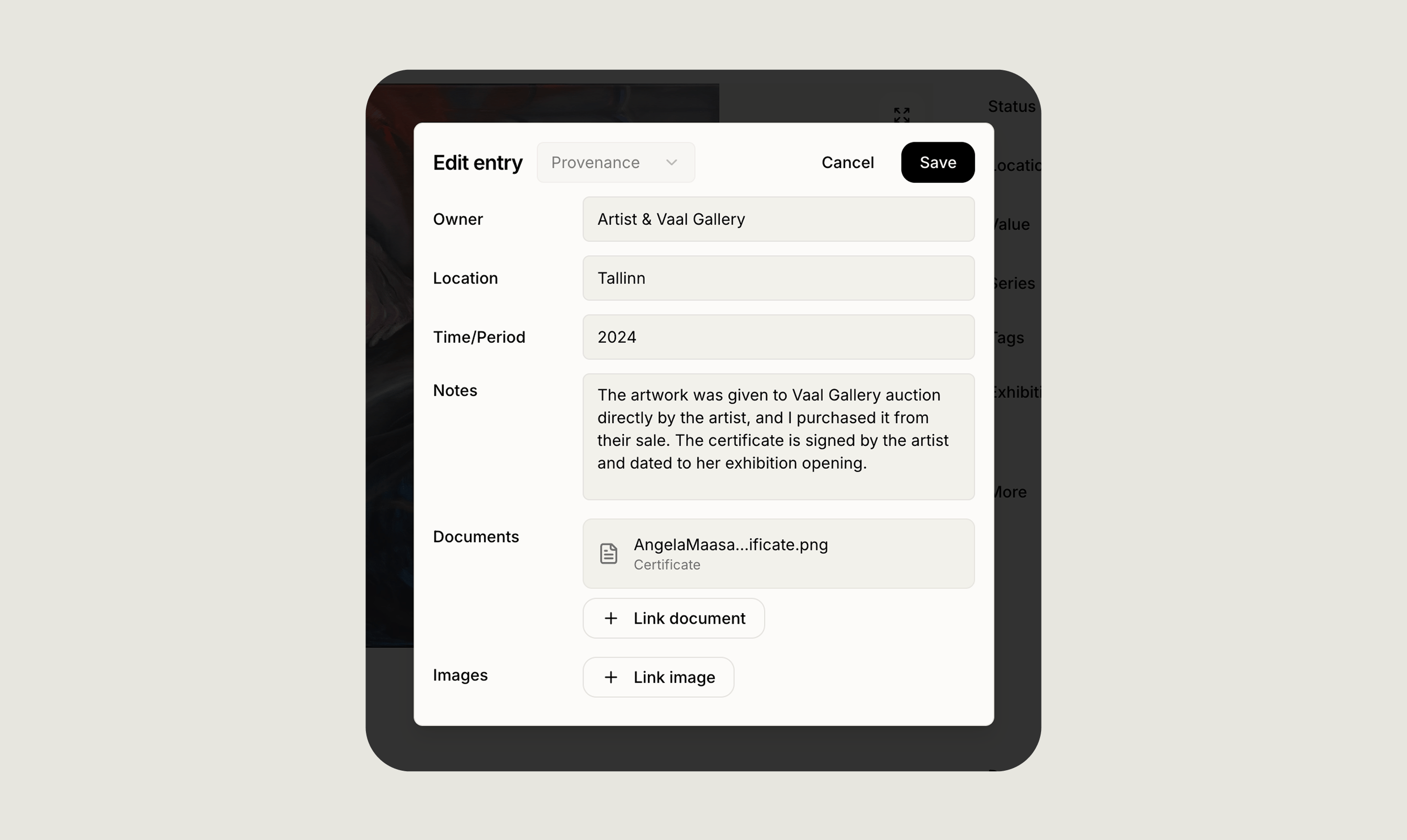
Each provenance entry has four fields:
You can add as many entries as you like, usually one per owner or period, and only one field needs to be filled in for an entry to save.
Each entry can also carry attachments: any document or image already uploaded to the artwork, such as a certificate of authenticity, a receipt, or a photograph. Attached files show as a small badge on the entry.
Condition report entries
Condition reports have two fields:- Description, a short summary, for example “Excellent, minor surface wear at lower edge”
- Notes, for the detailed report
How entries appear
On the artwork page, entries are grouped under a Provenance or Condition report heading. Provenance entries appear in the Provenance section, each showing owner, location and period in bold, followed by your notes. Condition reports appear under More, with the description in bold, followed by the notes. Every entry carries the date it was last edited, and any attachments appear as a badge that opens the file.Privacy
Provenance and condition entries are visible only to you. They never appear on public collection or public artwork pages, whatever your collection’s visibility setting.